# Packing Up VxMarkScan

Pack up **VxMarkScan** through the following steps:

1. **Pack up the ballot marking device**:

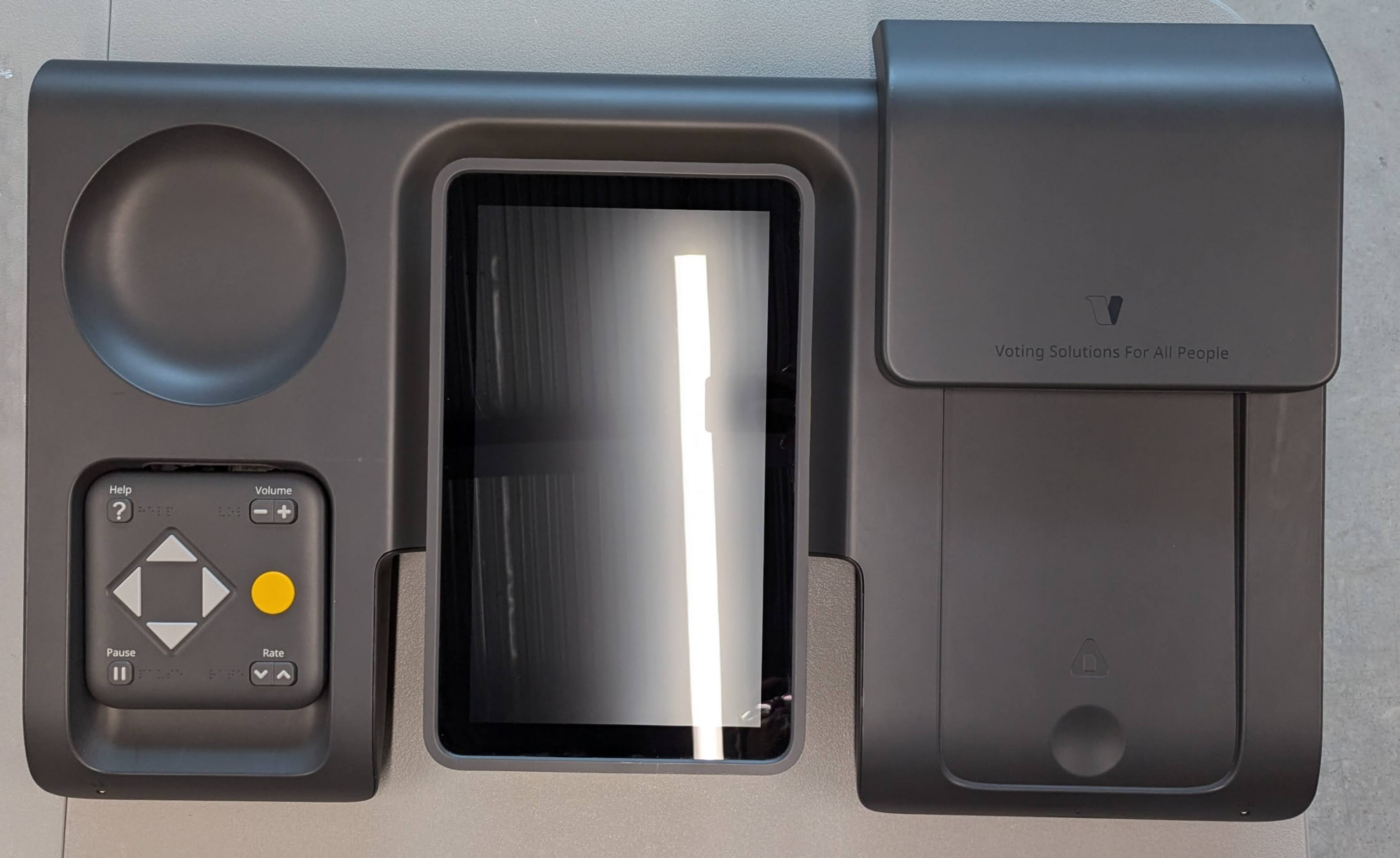
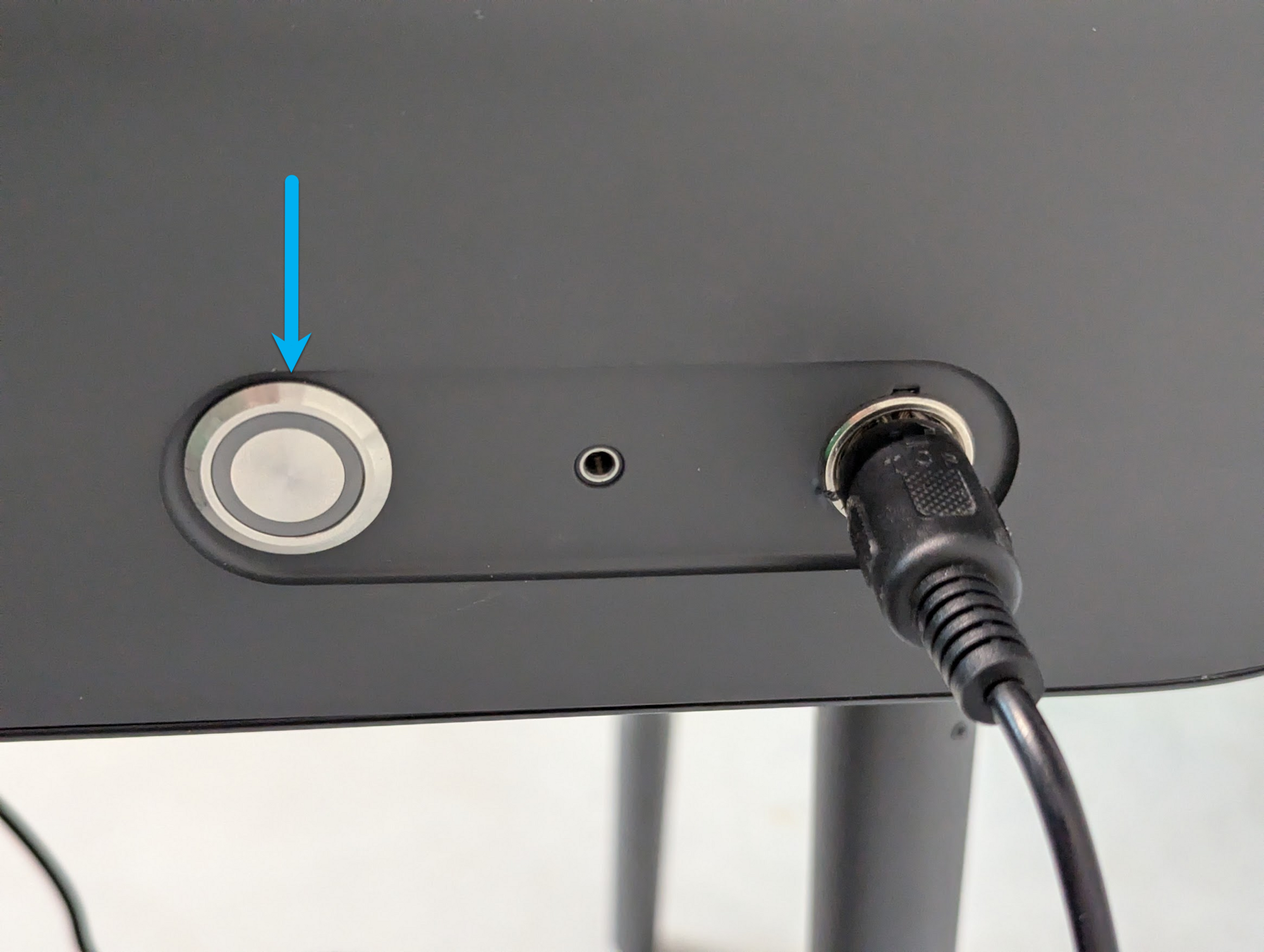
* [ ] Push the power button to turn off. VxMarkScan has shutdown properly once the screen is off and presents no content.
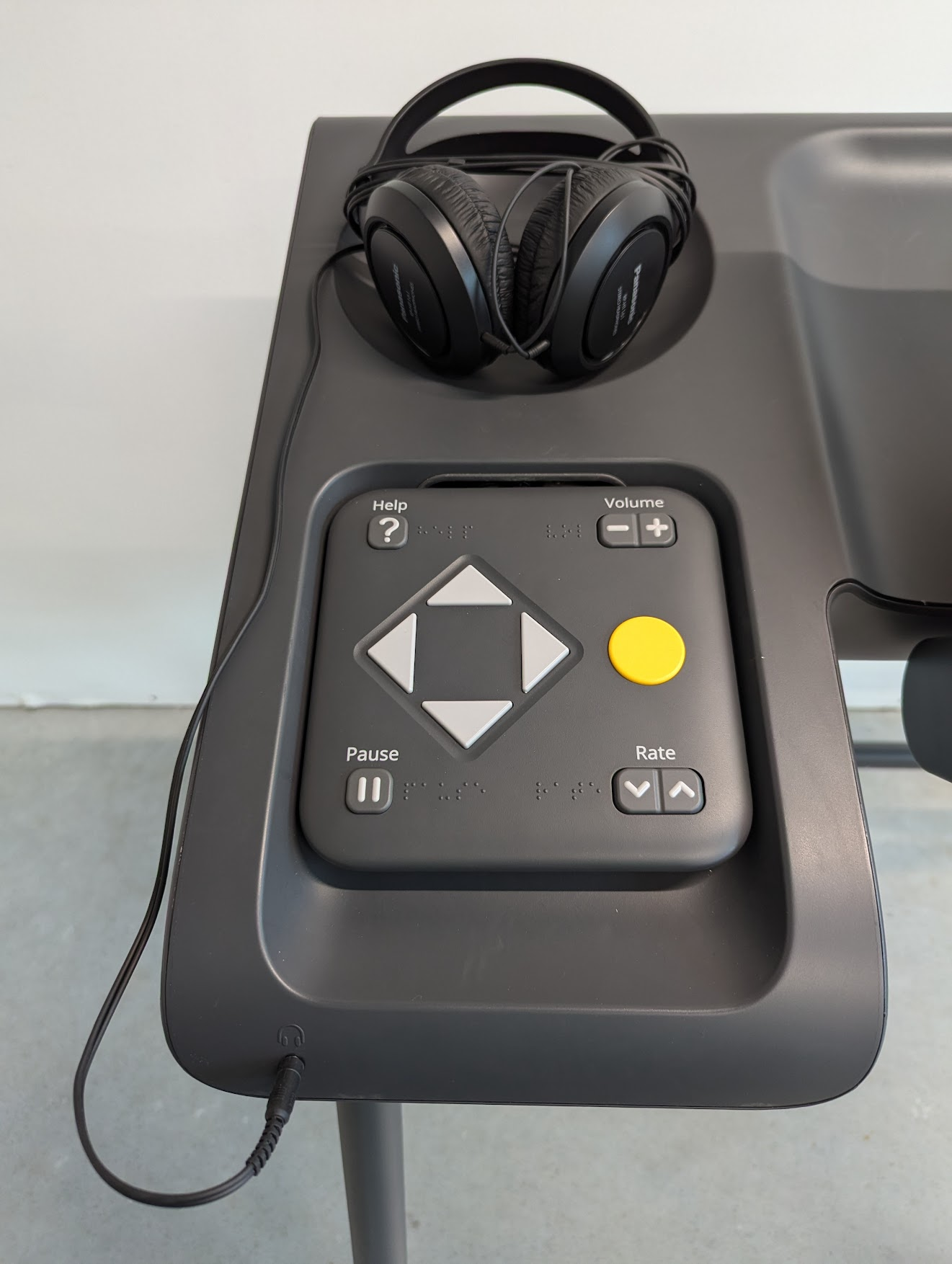
* [ ] Unplug and store the headphones
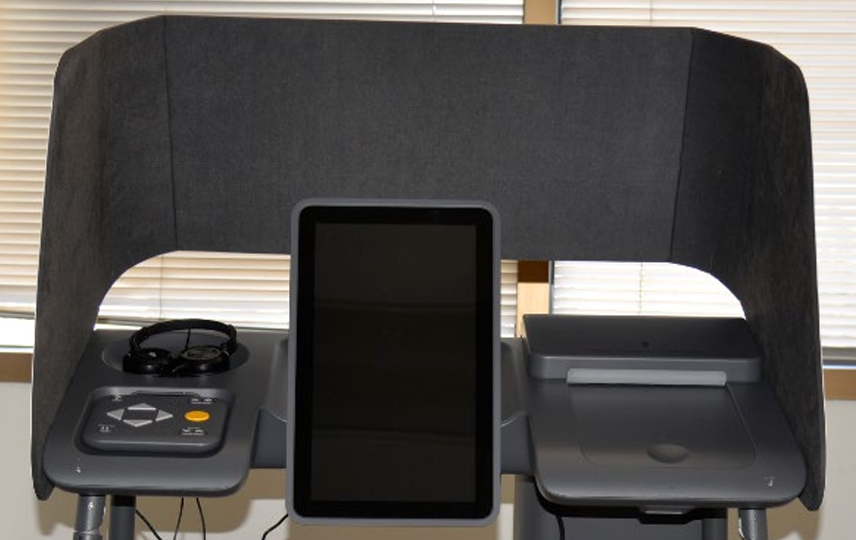
* [ ] Remove and store the privacy shield

<div><figure><img src="https://2752676040-files.gitbook.io/~/files/v0/b/gitbook-x-prod.appspot.com/o/spaces%2FJtZutzGTdCzsGITrdiph%2Fuploads%2Fgit-blob-50b5da6542095fb581ed28d2ce6347a1a700e34a%2FVxMark%20power%20button.png?alt=media" alt="" width="188"><figcaption><p>push power button to turn off</p></figcaption></figure> <figure><img src="https://2752676040-files.gitbook.io/~/files/v0/b/gitbook-x-prod.appspot.com/o/spaces%2FJtZutzGTdCzsGITrdiph%2Fuploads%2Fgit-blob-5fe8a86929883d93bd0a6617bb4ac12d0b113285%2Fimage.png?alt=media" alt="" width="188"><figcaption><p>unplug and store headphones</p></figcaption></figure> <figure><img src="https://2752676040-files.gitbook.io/~/files/v0/b/gitbook-x-prod.appspot.com/o/spaces%2FJtZutzGTdCzsGITrdiph%2Fuploads%2Fgit-blob-00d3d0b7098348d4a0341900dae7c51d849fa018%2FVxMark%20privacy%20shield%20installed.png?alt=media" alt="" width="188"><figcaption><p>remove and store privacy shield</p></figcaption></figure></div>

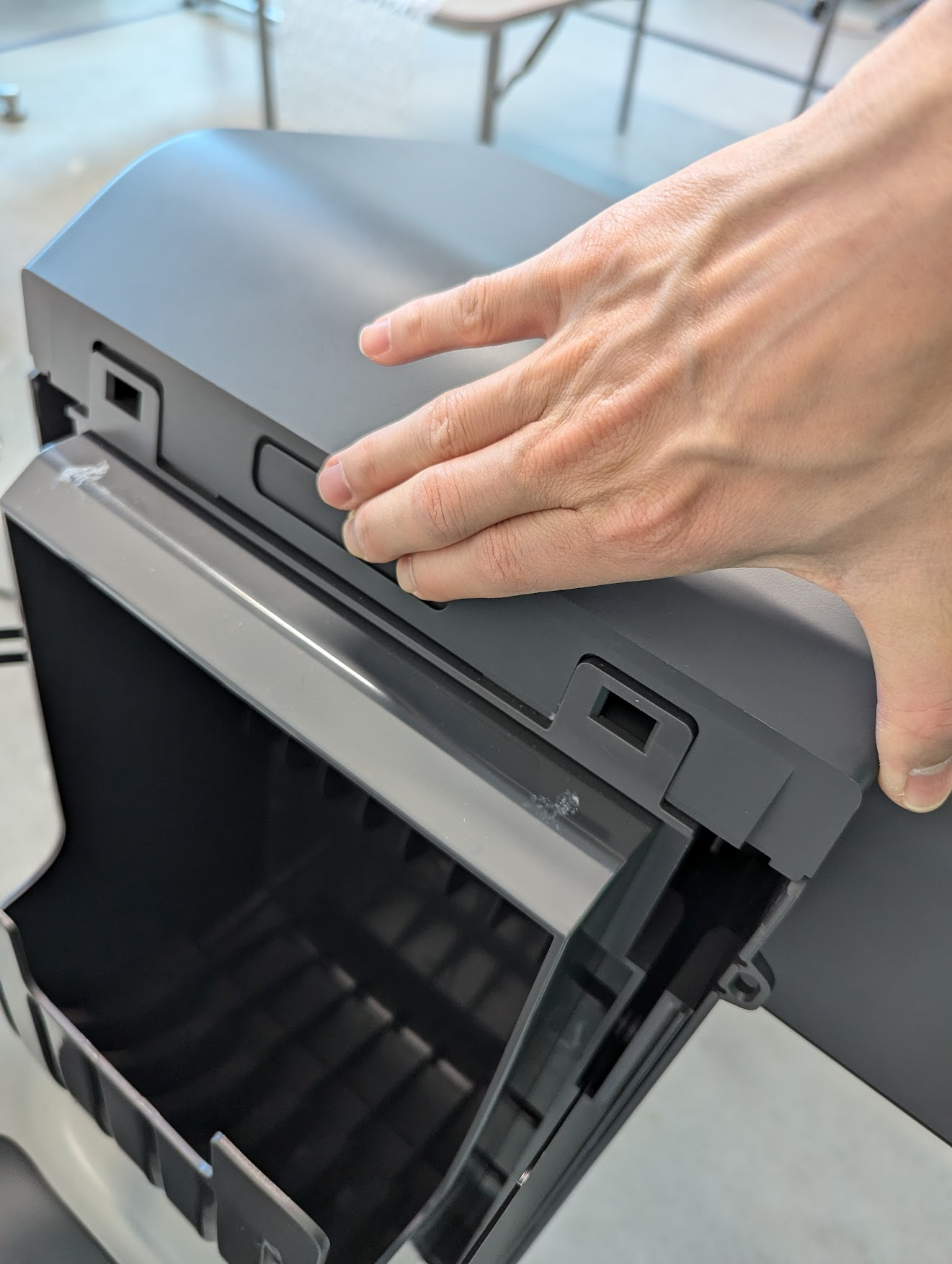
* [ ] Push the printer-scanner release button to open the cover
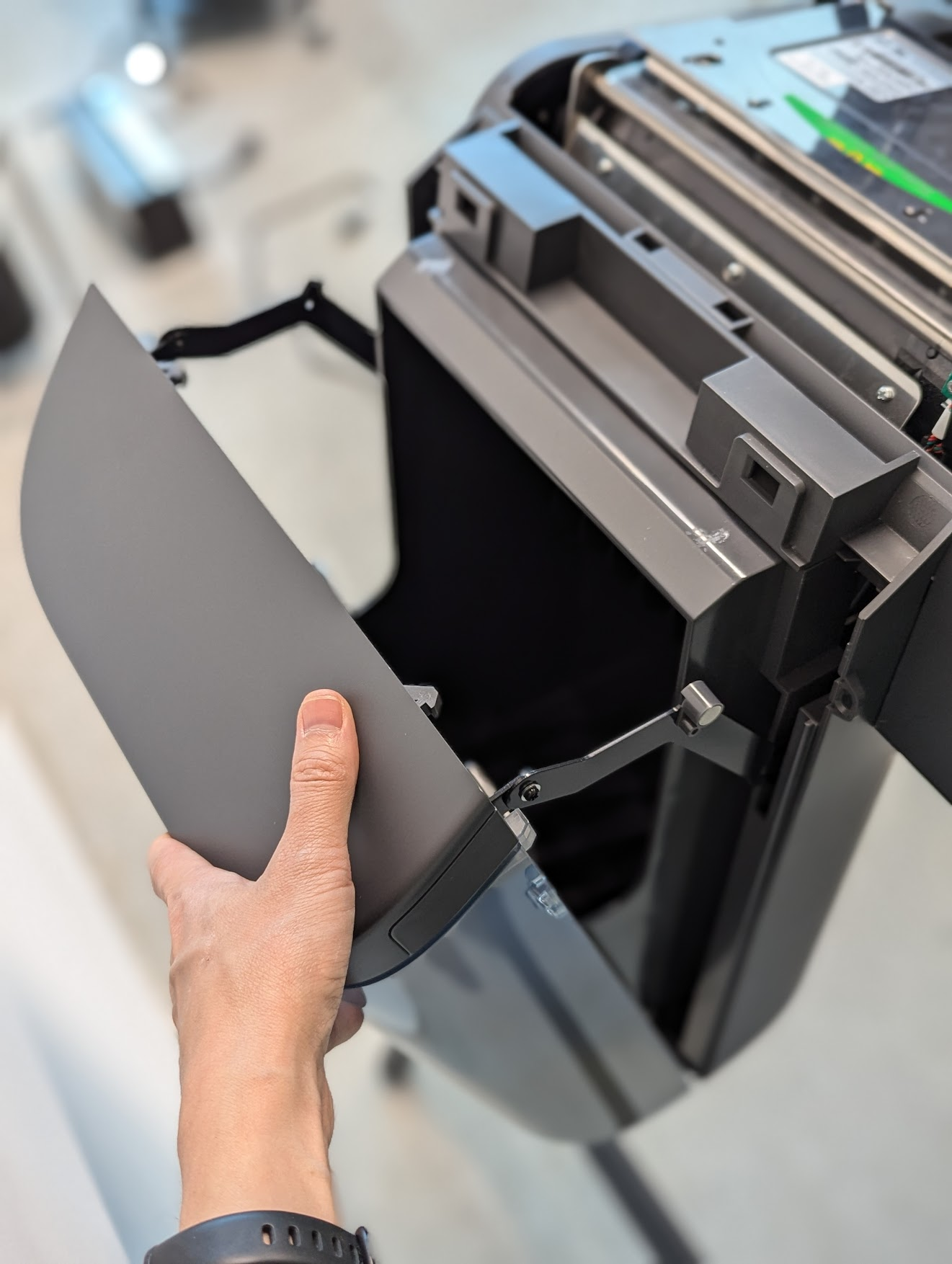
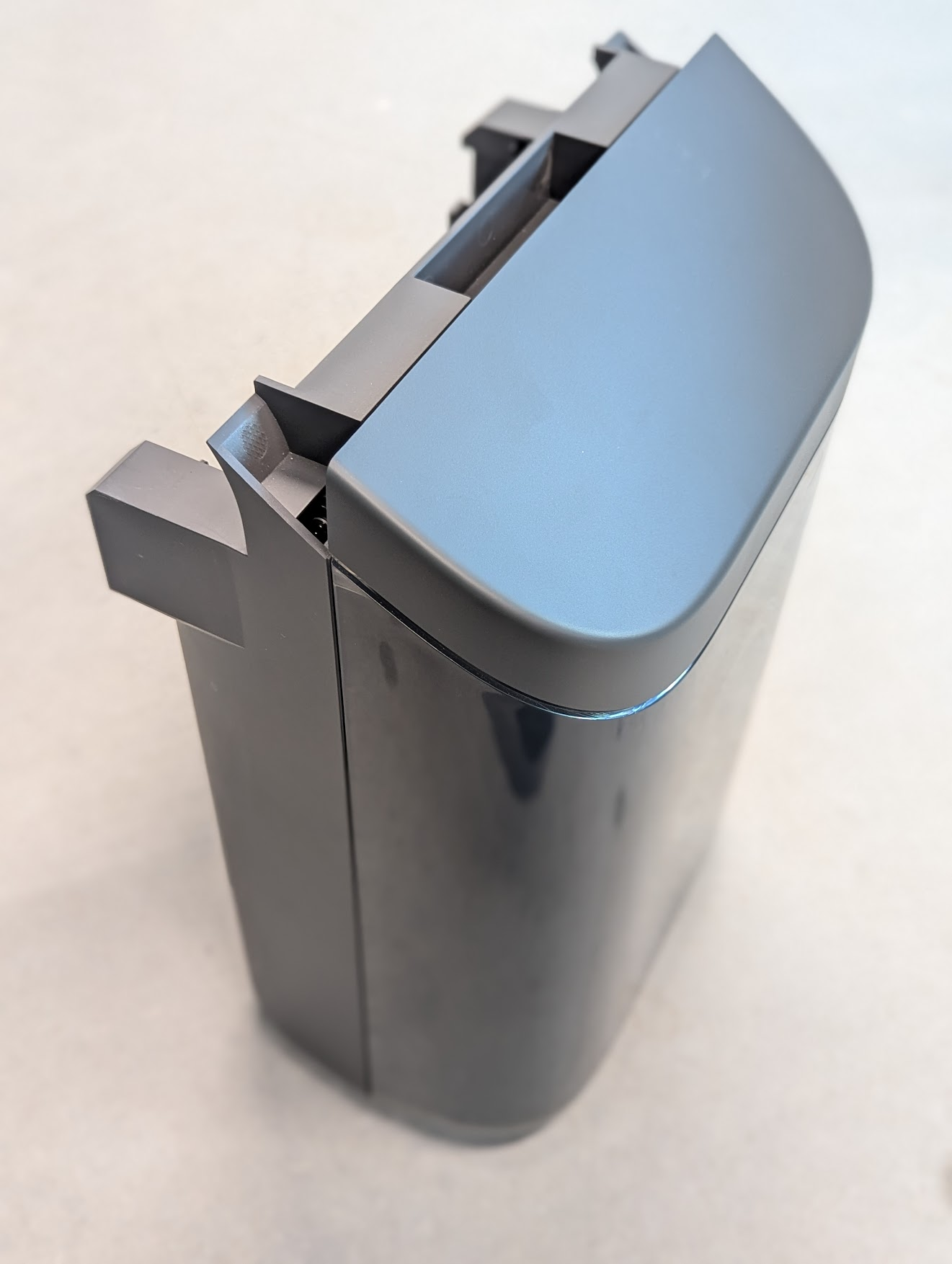
* [ ] Lift the ballot bin to remove

<div><figure><img src="https://2752676040-files.gitbook.io/~/files/v0/b/gitbook-x-prod.appspot.com/o/spaces%2FJtZutzGTdCzsGITrdiph%2Fuploads%2Fgit-blob-fb218884630e163743335de27376211c63d661e9%2FVxMark%20push%20ballot%20bin%20release%20to%20remove.png?alt=media" alt=""><figcaption></figcaption></figure> <figure><img src="https://2752676040-files.gitbook.io/~/files/v0/b/gitbook-x-prod.appspot.com/o/spaces%2FJtZutzGTdCzsGITrdiph%2Fuploads%2Fgit-blob-4b261734ebae73a480eb18644cbc6952ca773a44%2FVxMark%20printer%20cover%20open%20remove%20ballot%20bin.png?alt=media" alt=""><figcaption></figcaption></figure> <figure><img src="https://2752676040-files.gitbook.io/~/files/v0/b/gitbook-x-prod.appspot.com/o/spaces%2FJtZutzGTdCzsGITrdiph%2Fuploads%2Fgit-blob-91644b88f5900b9116c6fd0c135829f151040e1f%2FVxMark%20ballot%20bin.png?alt=media" alt=""><figcaption></figcaption></figure></div>

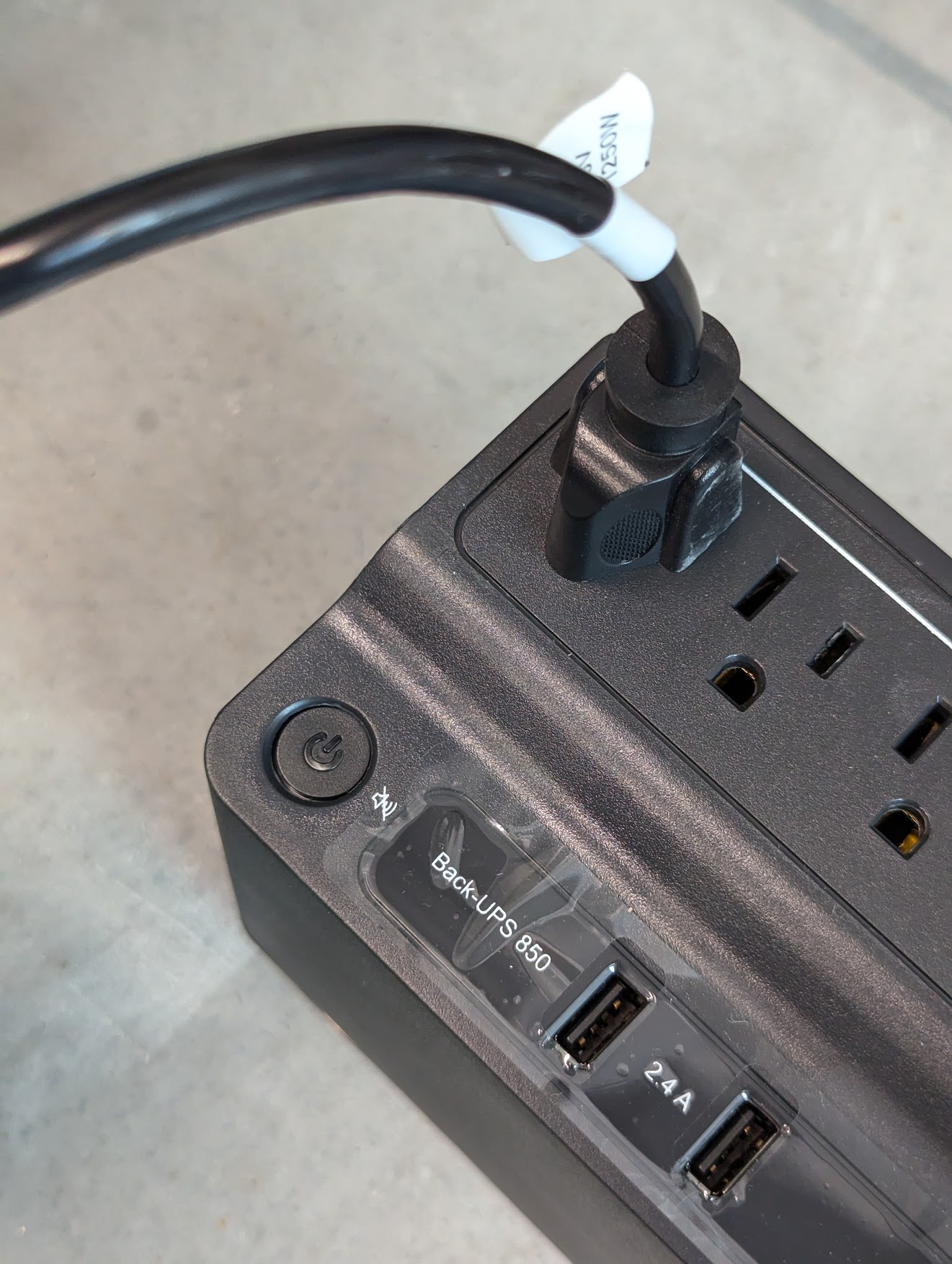
* [ ] Unplug the power cord from the UPS battery backup
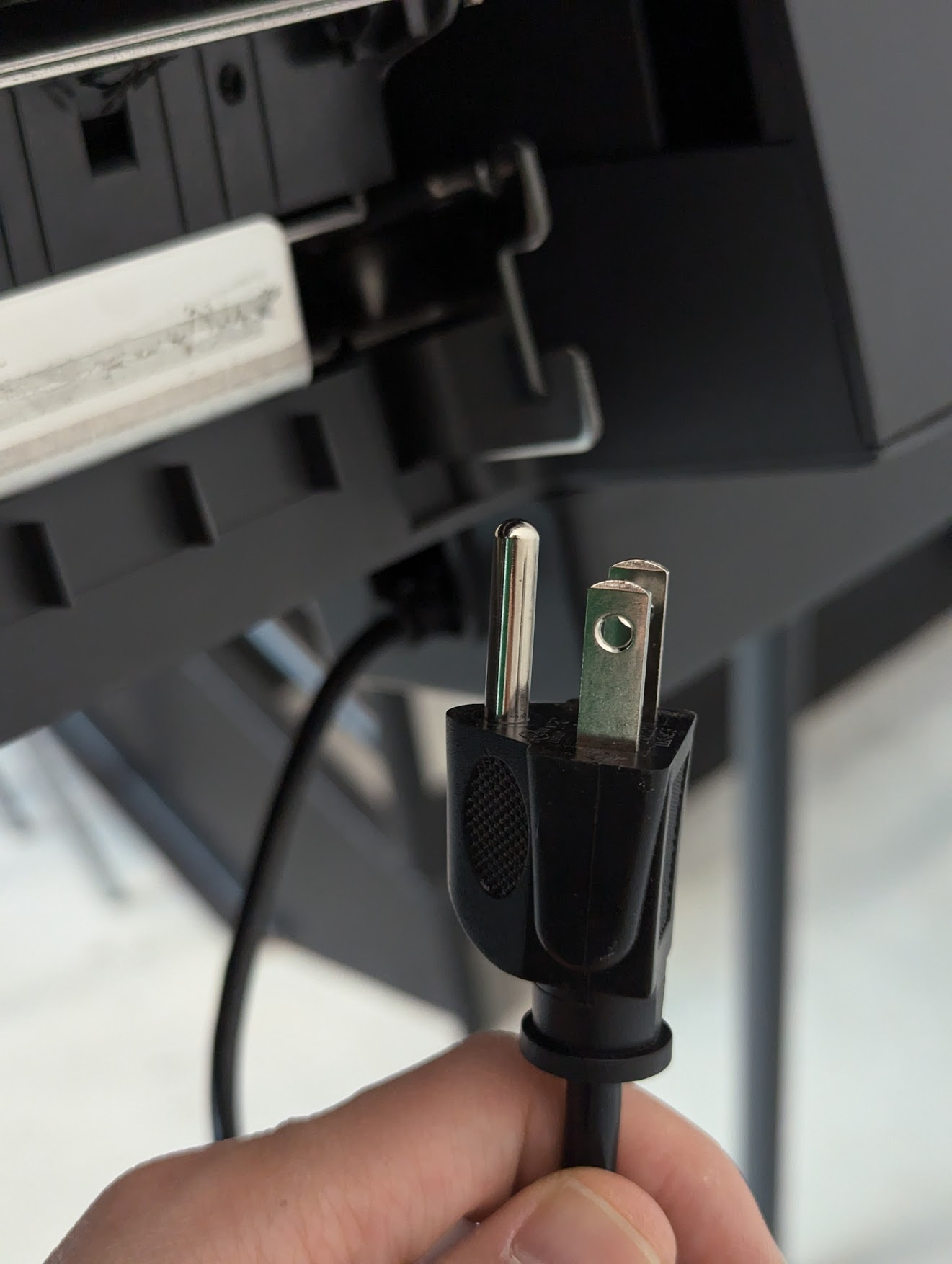
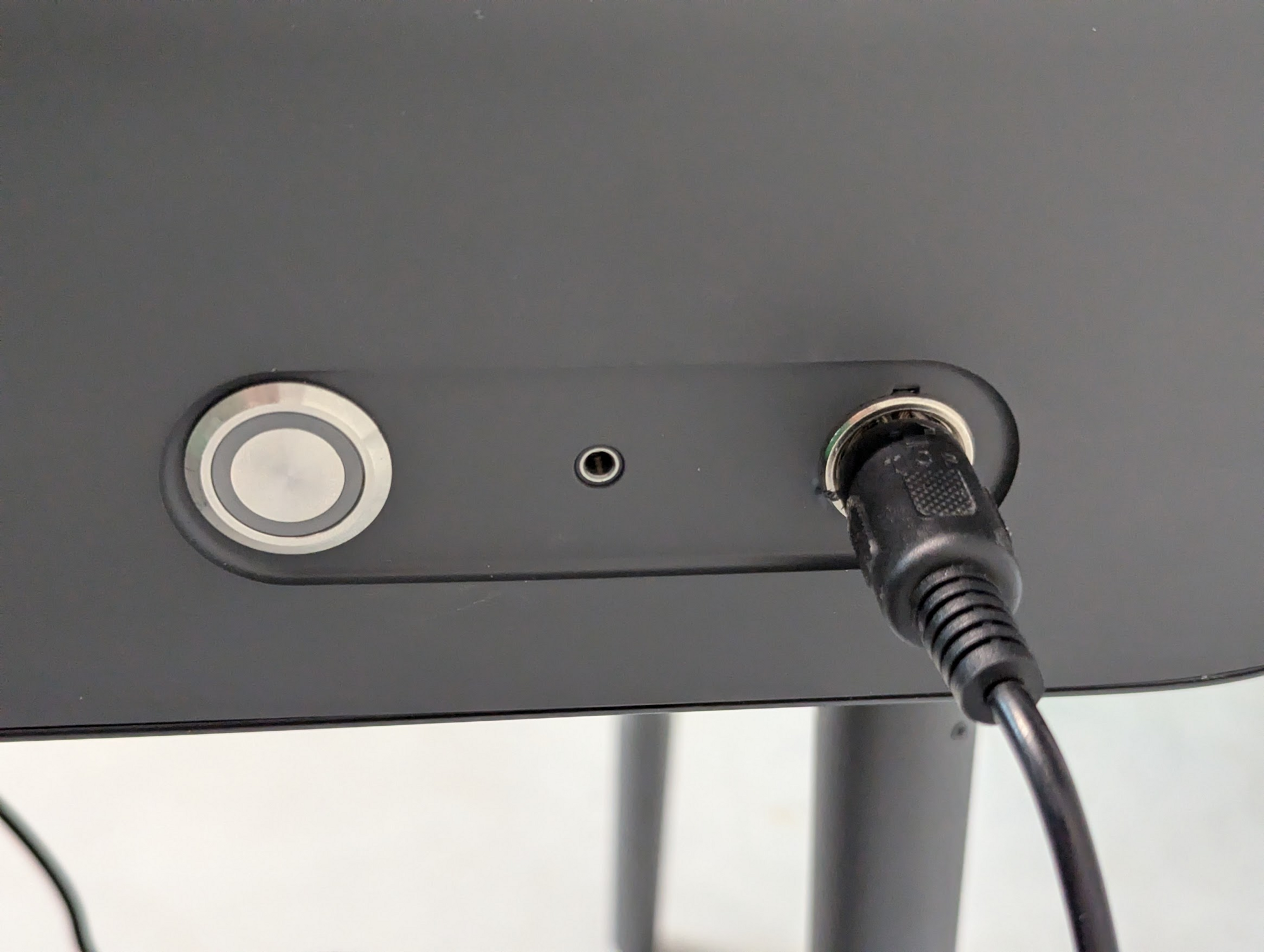
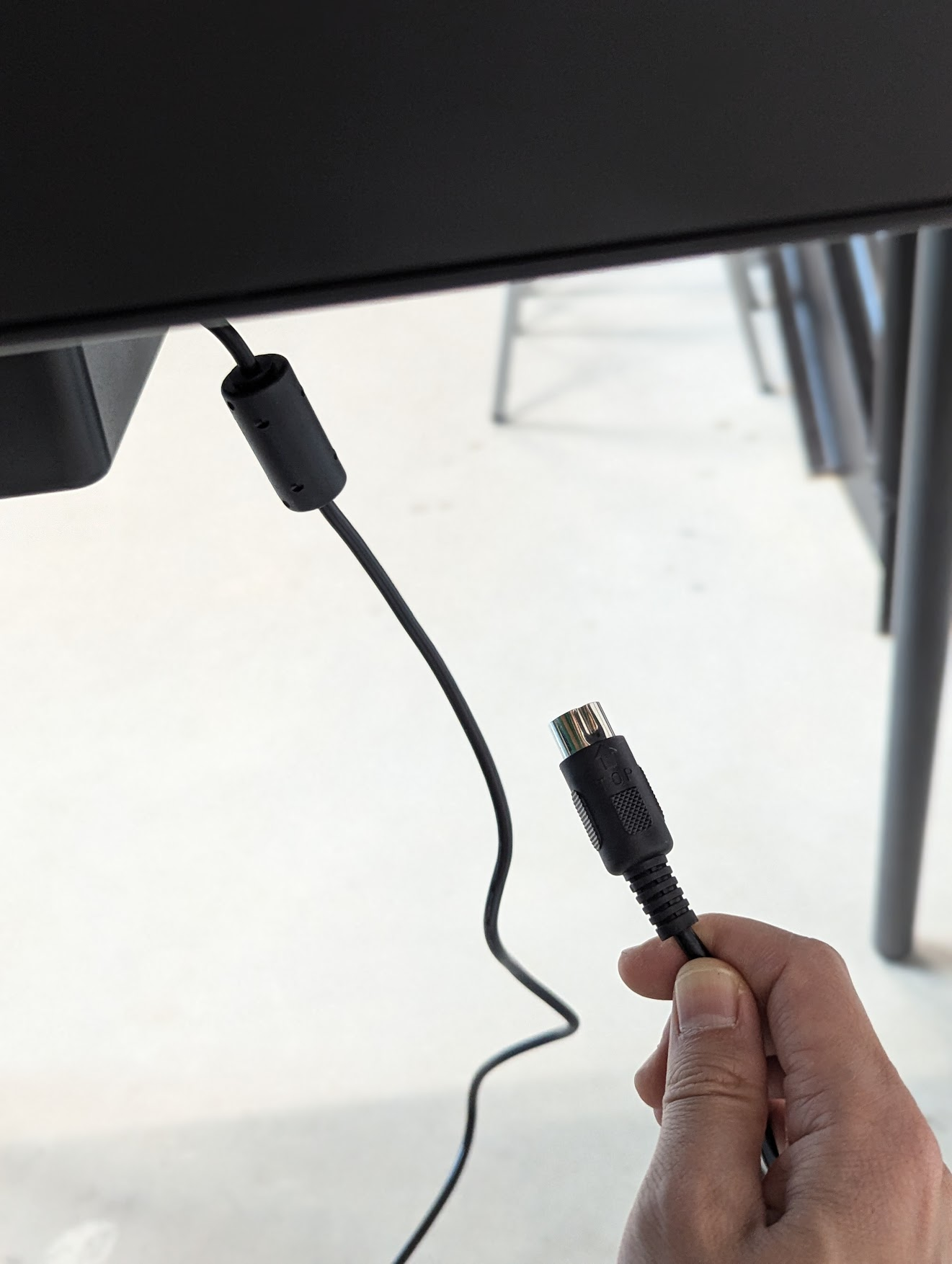
* [ ] Unplug the power cord connector from the back of the ballot marking device

<div><figure><img src="https://2752676040-files.gitbook.io/~/files/v0/b/gitbook-x-prod.appspot.com/o/spaces%2FJtZutzGTdCzsGITrdiph%2Fuploads%2Fgit-blob-2cd8452792315704a8bd250efb702cd973211bb9%2FVxMark%20power%20cord%20plugged%20into%20UPS.png?alt=media" alt=""><figcaption></figcaption></figure> <figure><img src="https://2752676040-files.gitbook.io/~/files/v0/b/gitbook-x-prod.appspot.com/o/spaces%2FJtZutzGTdCzsGITrdiph%2Fuploads%2Fgit-blob-92d8e65079e464d46f7bb2ec8bc2895638ce73d8%2FVxMark%20power%20cord.png?alt=media" alt=""><figcaption></figcaption></figure> <figure><img src="https://2752676040-files.gitbook.io/~/files/v0/b/gitbook-x-prod.appspot.com/o/spaces%2FJtZutzGTdCzsGITrdiph%2Fuploads%2Fgit-blob-6c7e71d8780378c41d13c58e5c09ddc7b9089245%2FVxMark%20unit%20plug%20plugged%20in.png?alt=media" alt=""><figcaption></figcaption></figure> <figure><img src="https://2752676040-files.gitbook.io/~/files/v0/b/gitbook-x-prod.appspot.com/o/spaces%2FJtZutzGTdCzsGITrdiph%2Fuploads%2Fgit-blob-72e7b2d5a070354d058796a81e93337556272d77%2FVxMark%20unit%20plug.png?alt=media" alt=""><figcaption></figcaption></figure></div>

* [ ] Remove and store the ballot marking device from the stand
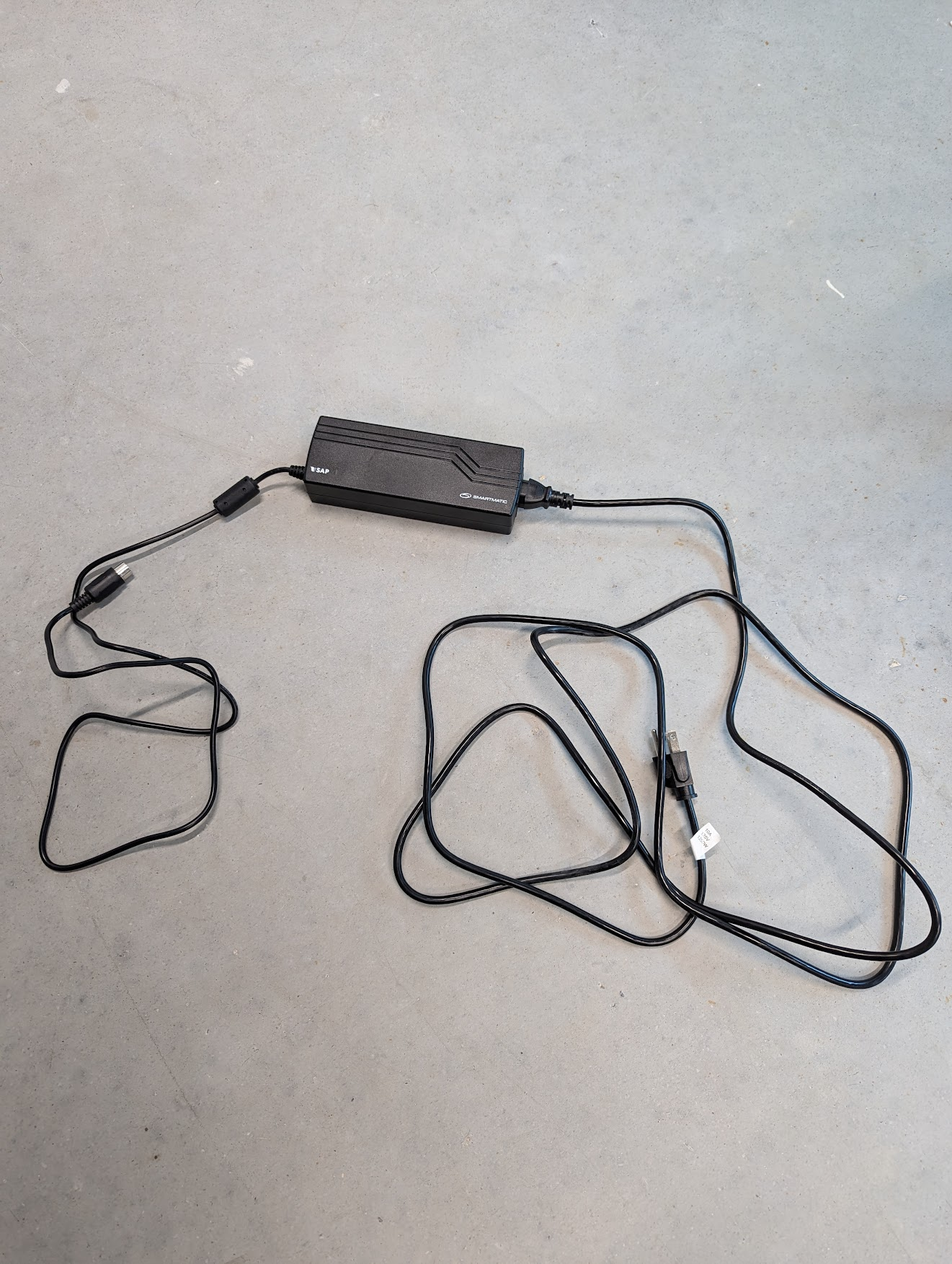
* [ ] Remove and store the power block from the holder
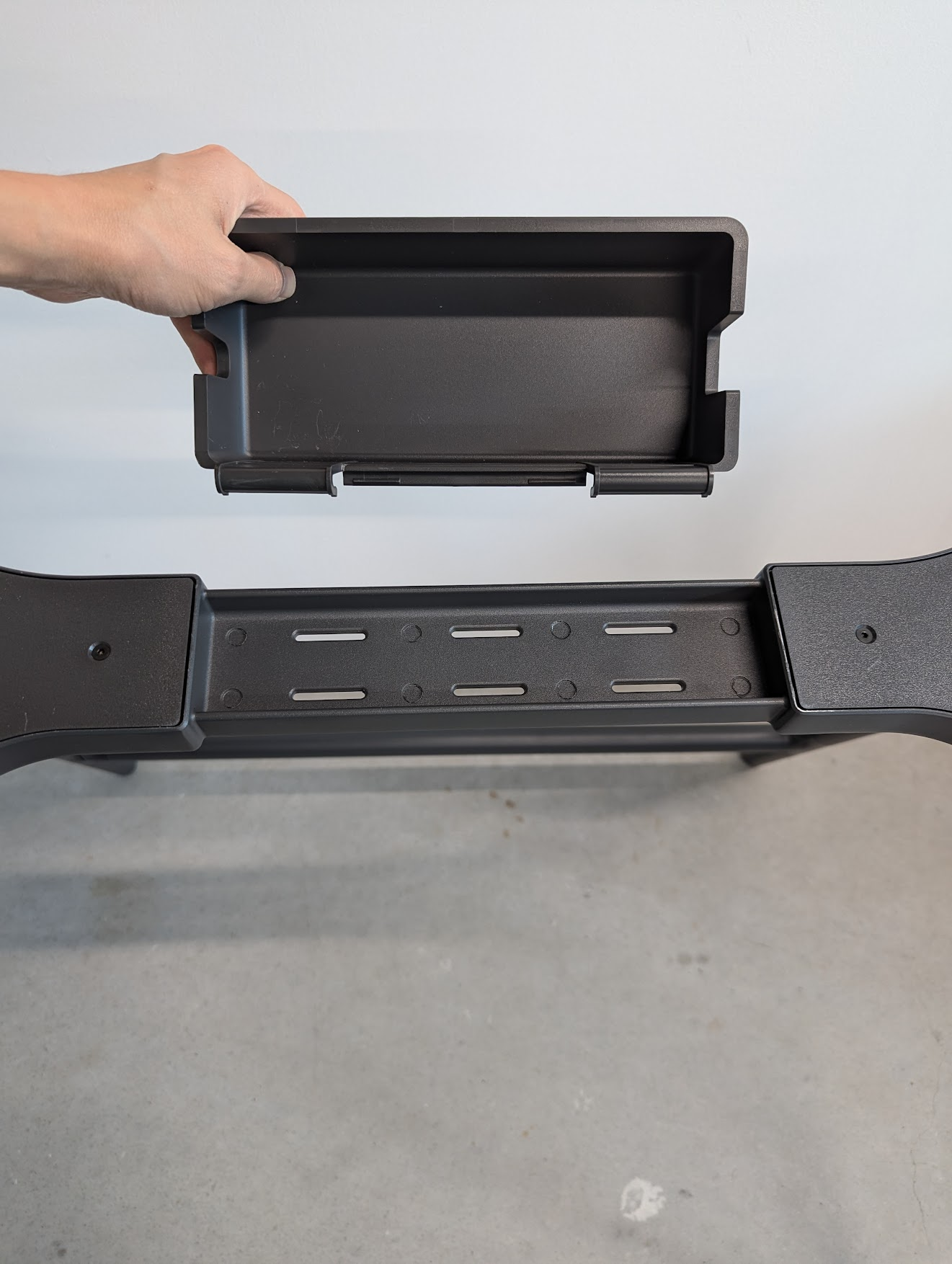
* [ ] Remove and store the power block holder

<div><figure><img src="https://2752676040-files.gitbook.io/~/files/v0/b/gitbook-x-prod.appspot.com/o/spaces%2FJtZutzGTdCzsGITrdiph%2Fuploads%2Fgit-blob-7280b1b11744a1a9a16cd0b7cd6521bc5a8c1cbb%2FVxMark%20main%20unit.png?alt=media" alt=""><figcaption></figcaption></figure> <figure><img src="https://2752676040-files.gitbook.io/~/files/v0/b/gitbook-x-prod.appspot.com/o/spaces%2FJtZutzGTdCzsGITrdiph%2Fuploads%2Fgit-blob-36d121f254ae4391f77178b92bd5627b5139e679%2FVxMark%20power%20block.png?alt=media" alt=""><figcaption></figcaption></figure> <figure><img src="https://2752676040-files.gitbook.io/~/files/v0/b/gitbook-x-prod.appspot.com/o/spaces%2FJtZutzGTdCzsGITrdiph%2Fuploads%2Fgit-blob-ce0a77dd3326b9e081a49364c47452a918fd31d4%2FVxMark%20add%20power%20cord%20holder.png?alt=media" alt=""><figcaption></figcaption></figure></div>

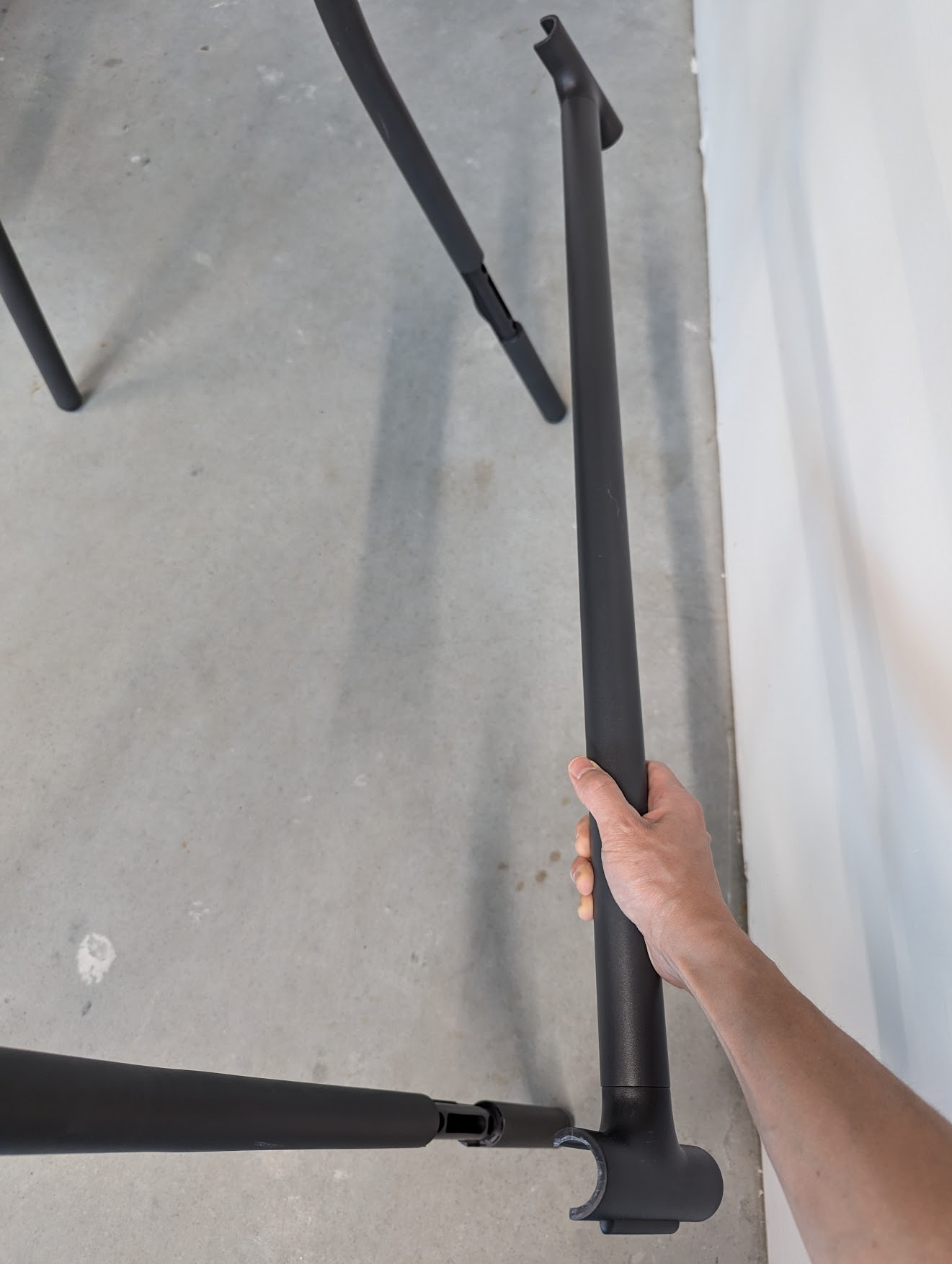
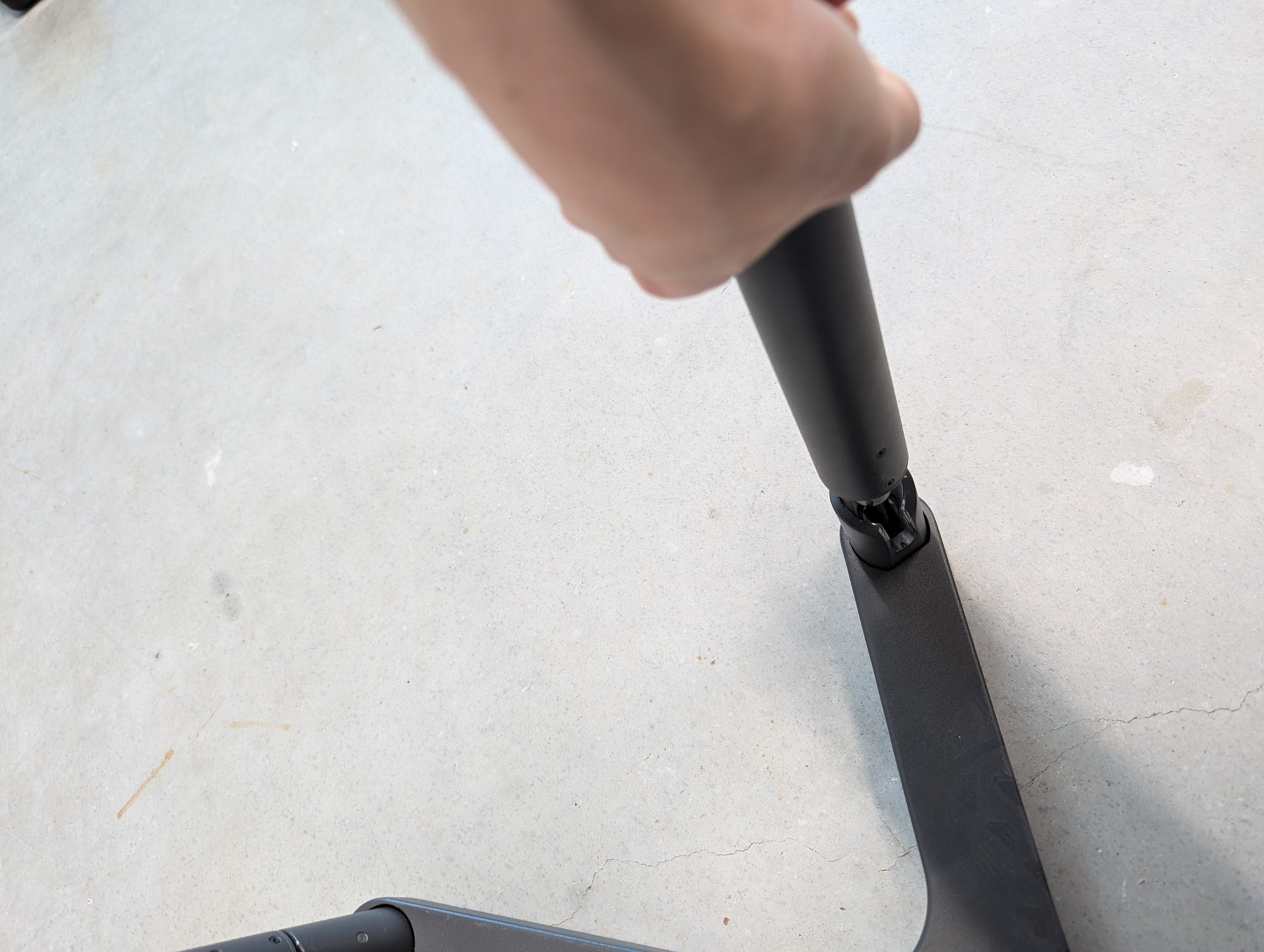
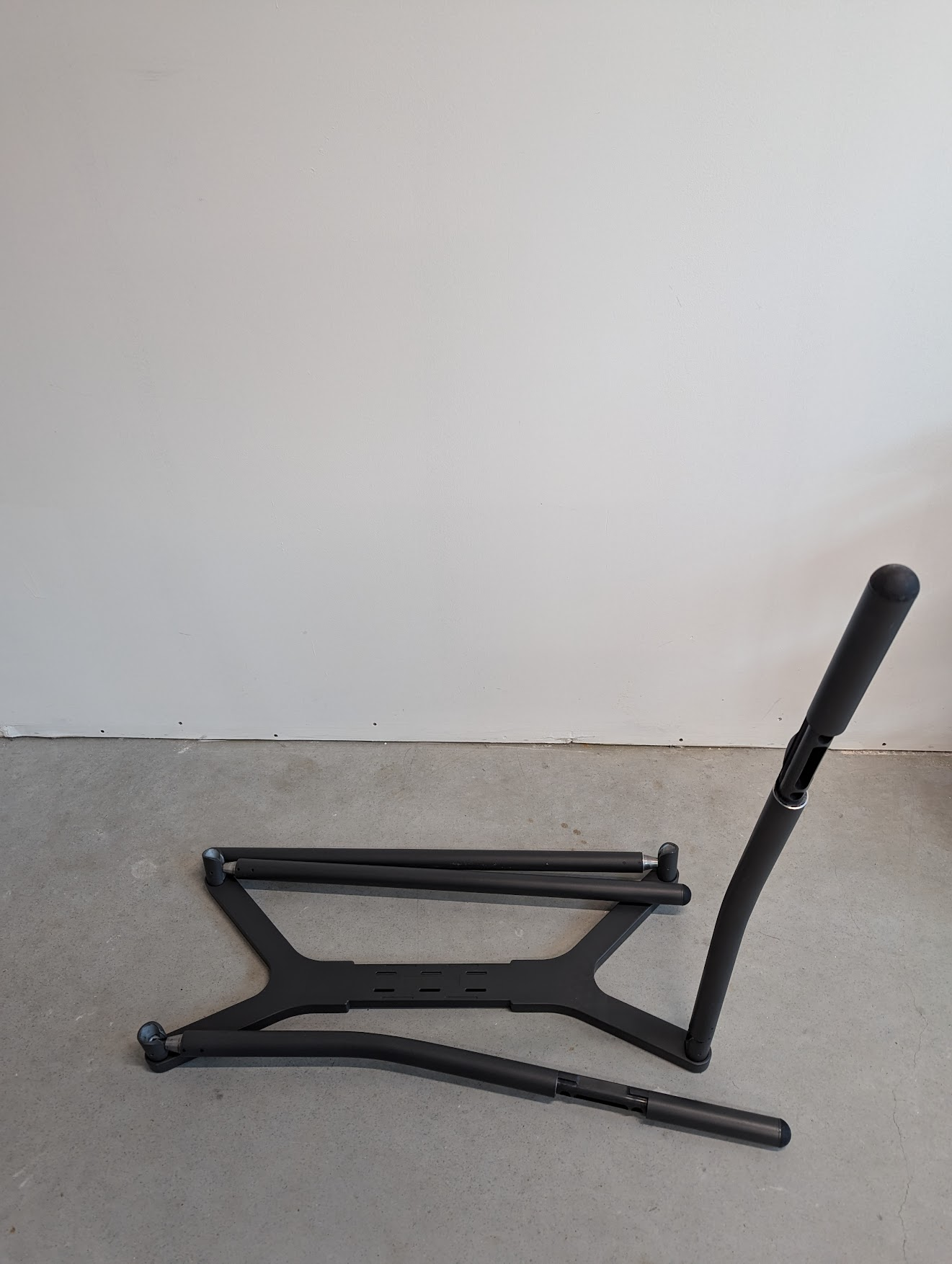
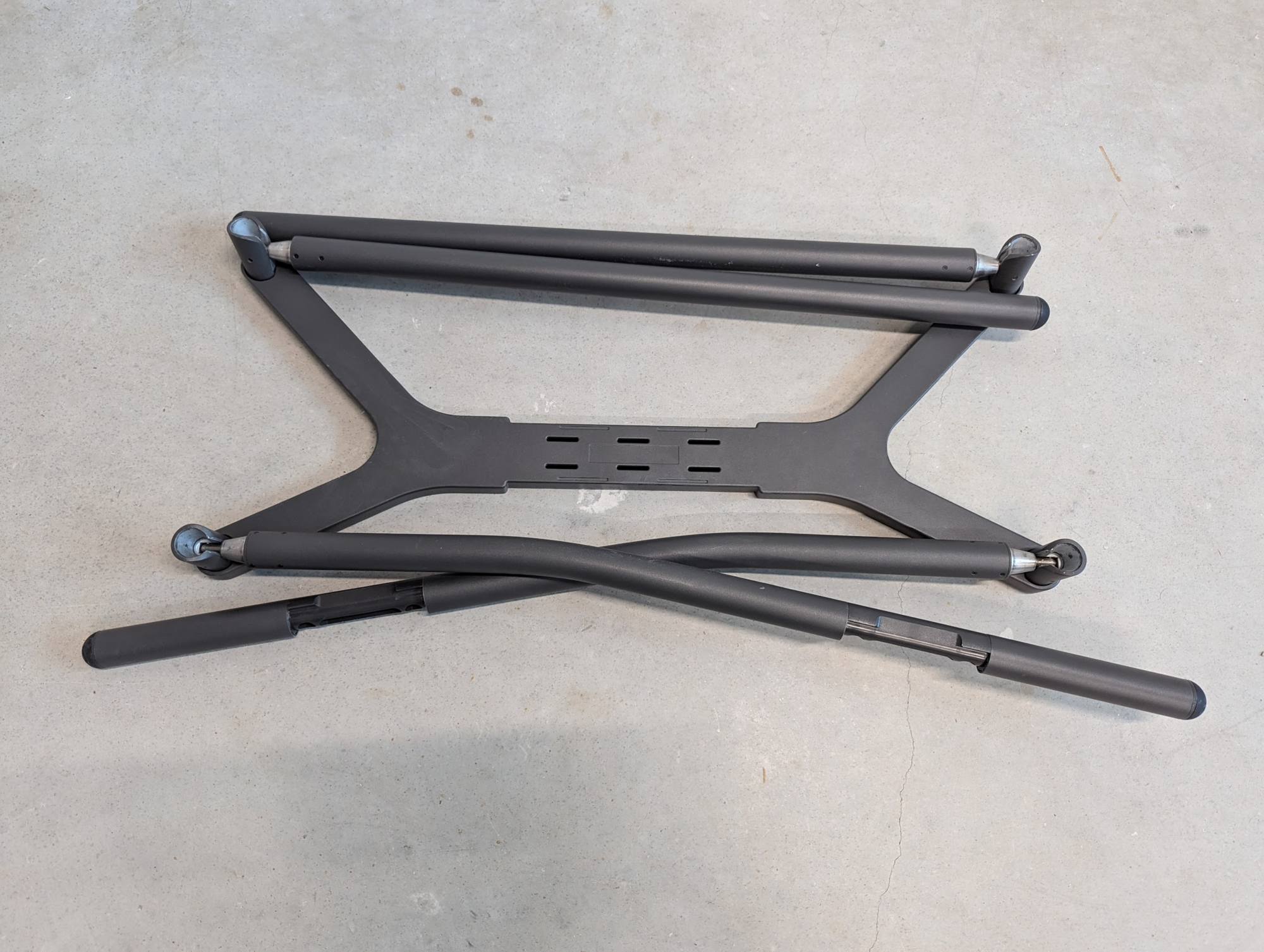
2. **Pack up the stand:**

* [ ] Remove the support bar
* [ ] Flip the stand over
* [ ] With the legs facing up, pull a leg toward you and fold in
* [ ] Continue until all legs are folded down

<div><figure><img src="https://2752676040-files.gitbook.io/~/files/v0/b/gitbook-x-prod.appspot.com/o/spaces%2FJtZutzGTdCzsGITrdiph%2Fuploads%2Fgit-blob-cf4328af12b45098a3c839ec630ffddb83d80b59%2FVxMark%20put%20support%20bar%20in%20place.png?alt=media" alt=""><figcaption></figcaption></figure> <figure><img src="https://2752676040-files.gitbook.io/~/files/v0/b/gitbook-x-prod.appspot.com/o/spaces%2FJtZutzGTdCzsGITrdiph%2Fuploads%2Fgit-blob-f11a40c90fe55de20e8bc8cd9272072fe9b5a9ec%2FVxMark%20pull%20leg.png?alt=media" alt=""><figcaption></figcaption></figure> <figure><img src="https://2752676040-files.gitbook.io/~/files/v0/b/gitbook-x-prod.appspot.com/o/spaces%2FJtZutzGTdCzsGITrdiph%2Fuploads%2Fgit-blob-6cf7eb55f4e50fbc4246bd65bf23ef822c7adc0b%2FVxMark%20one%20leg%20raised.png?alt=media" alt=""><figcaption></figcaption></figure> <figure><img src="https://2752676040-files.gitbook.io/~/files/v0/b/gitbook-x-prod.appspot.com/o/spaces%2FJtZutzGTdCzsGITrdiph%2Fuploads%2Fgit-blob-a8728a1fefff89e690587bccf532c26f42f0a219%2FVxMark%20all%20legs%20down.png?alt=media" alt=""><figcaption></figcaption></figure></div>

3. **Pack all components into their cases**

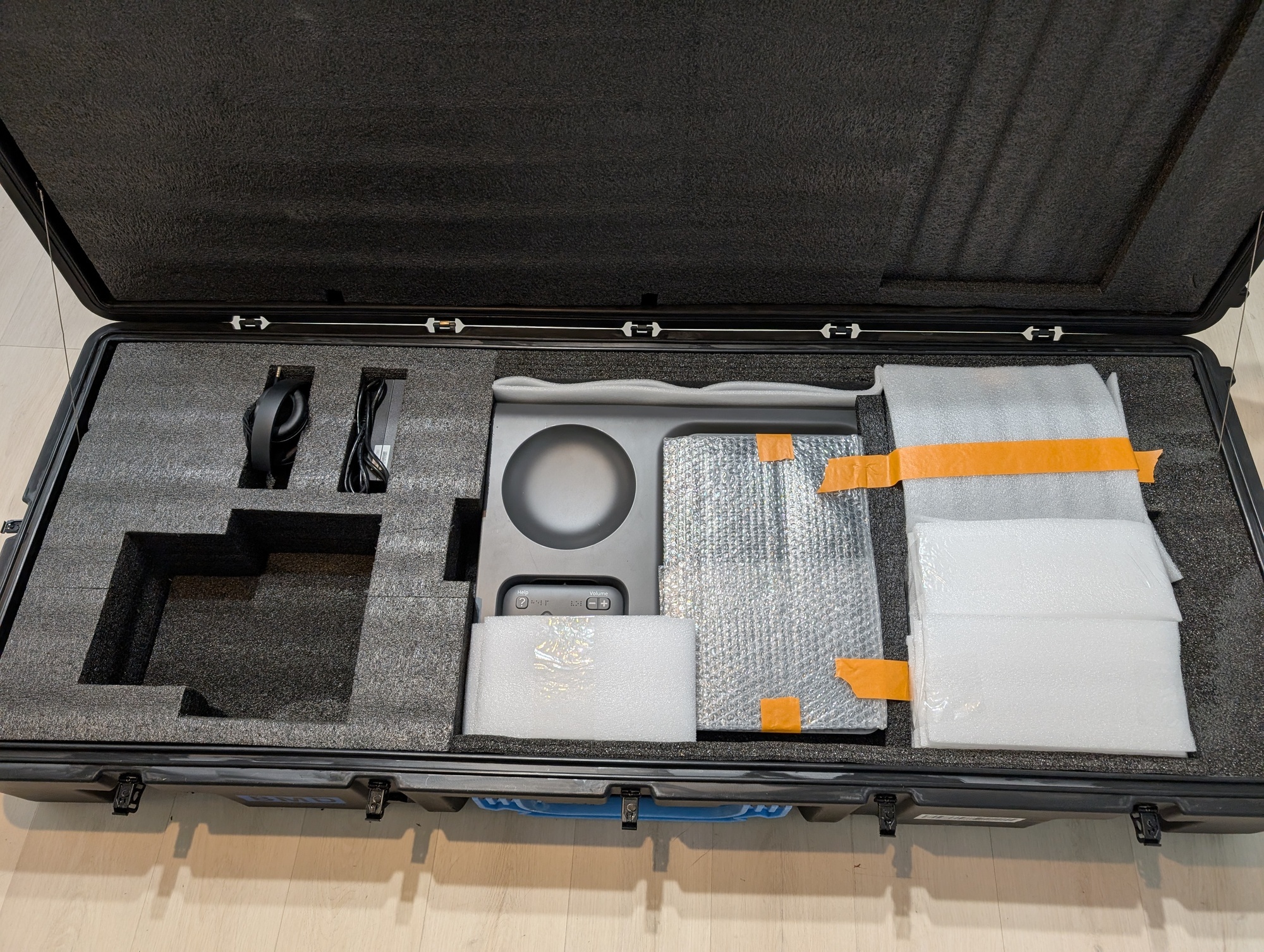
* [ ] Pack the BMD case
  * [ ] BMD (main unit)
  * [ ] Power brick
  * [ ] Headphones
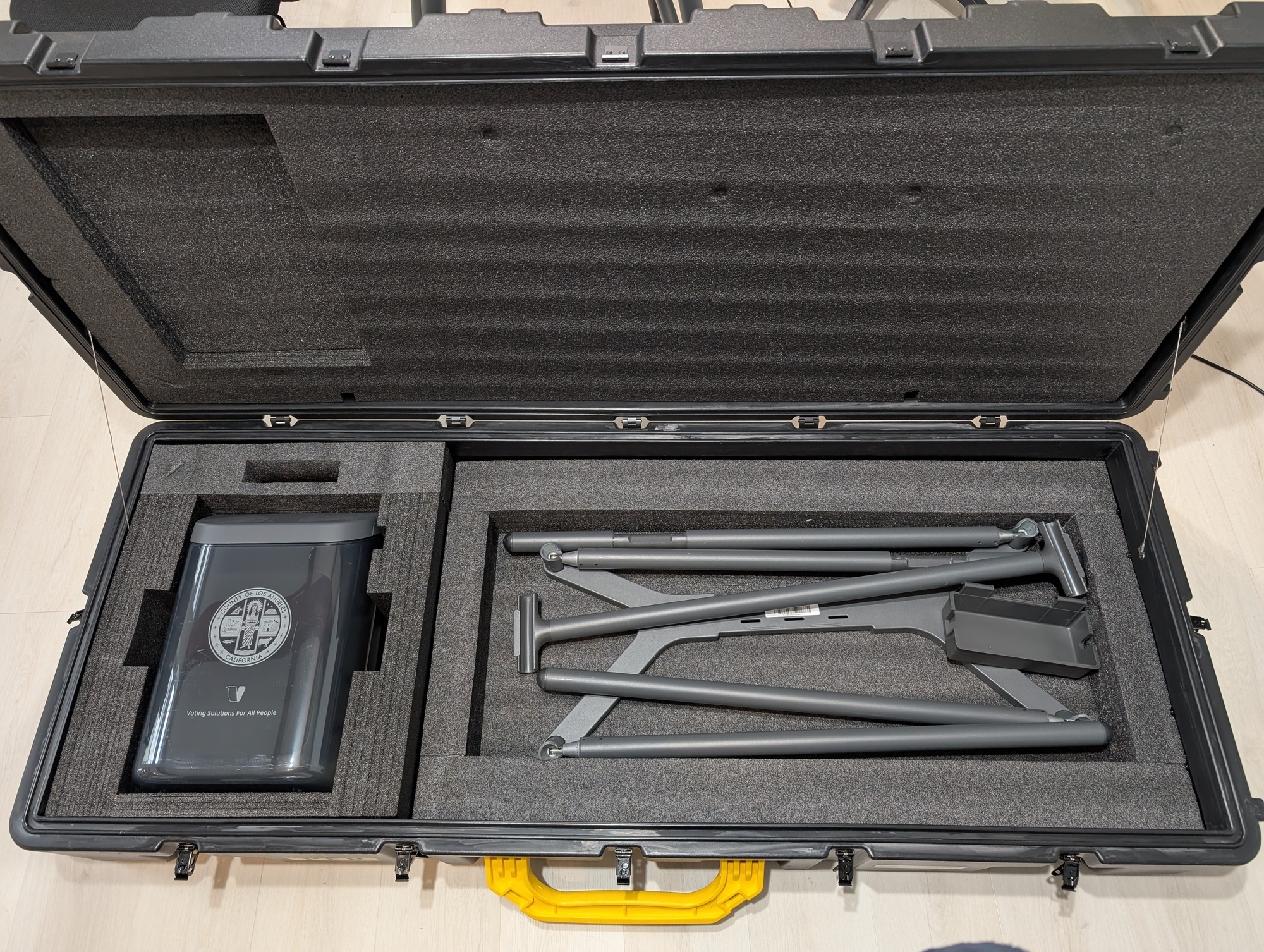
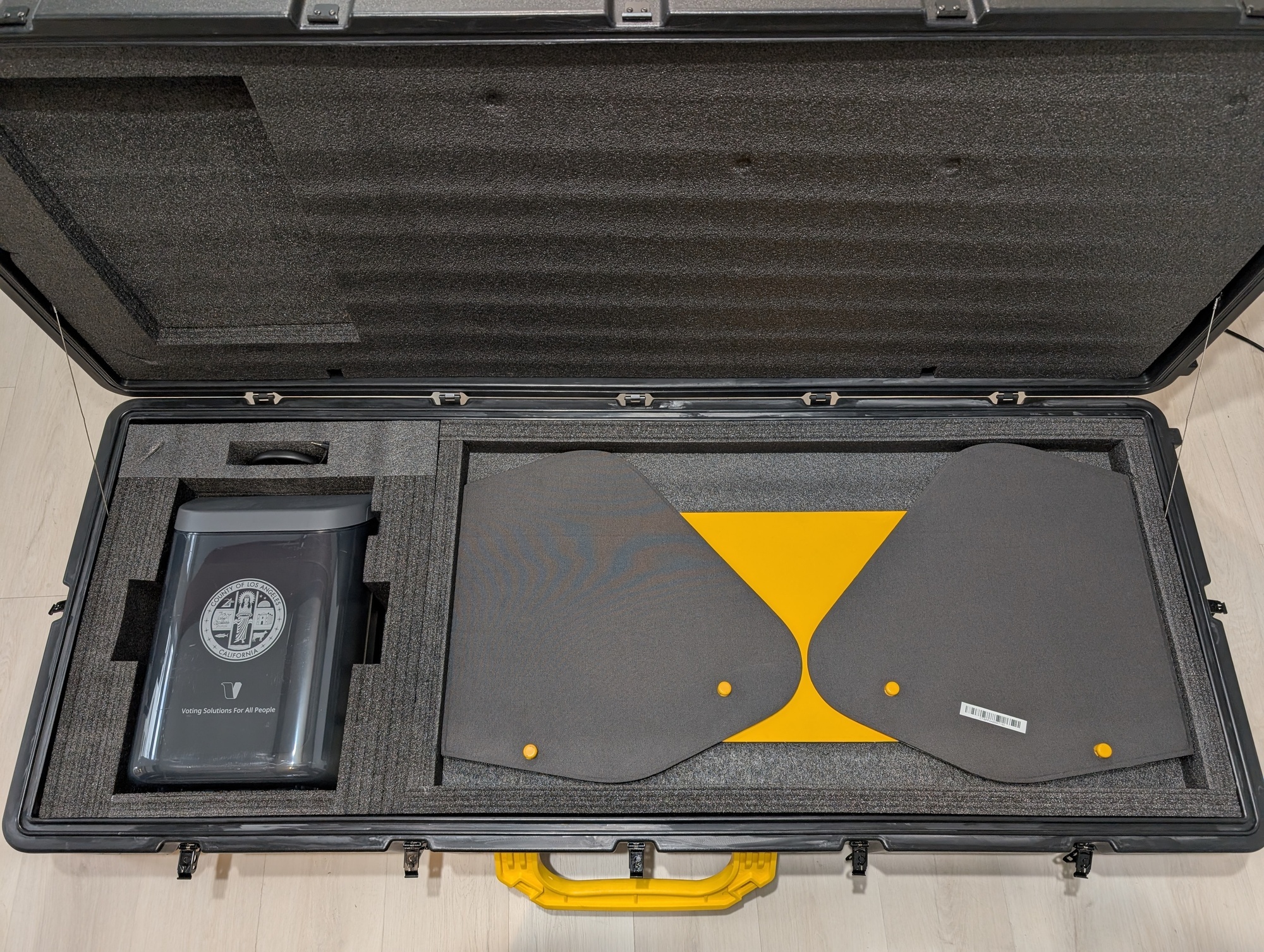
* [ ] Pack the peripherals case
  * [ ] Legs
  * [ ] Power brick holder
  * [ ] Ballot box
  * [ ] Privacy shield

<div><figure><img src="https://2752676040-files.gitbook.io/~/files/v0/b/gitbook-x-prod.appspot.com/o/spaces%2FJtZutzGTdCzsGITrdiph%2Fuploads%2Fgit-blob-28ce56820cf4dd63d67ab12f643cefdeb22cb39b%2FPXL_20241119_201847102.jpg?alt=media" alt=""><figcaption><p>BMD case</p></figcaption></figure> <figure><img src="https://2752676040-files.gitbook.io/~/files/v0/b/gitbook-x-prod.appspot.com/o/spaces%2FJtZutzGTdCzsGITrdiph%2Fuploads%2Fgit-blob-557569732136200c59a27c41fc638499b7817b86%2FPXL_20241119_202304226.jpg?alt=media" alt=""><figcaption><p>Peripherals case without privacy shield</p></figcaption></figure> <figure><img src="https://2752676040-files.gitbook.io/~/files/v0/b/gitbook-x-prod.appspot.com/o/spaces%2FJtZutzGTdCzsGITrdiph%2Fuploads%2Fgit-blob-d8824196af4dc334cdf2d5e89055522c0d45aa9b%2FPXL_20241119_202236326.jpg?alt=media" alt=""><figcaption><p>Peripherals case with privacy shield</p></figcaption></figure></div>